
Mikrotik Login Page For Hotspot

A MikroTik login page for a hotspot is a web page that appears when a device connects to a wireless network configured as a hotspot on a MikroTik router, requiring the user to input a username and password before gaining access to the internet; essentially, it's the captive portal where users authenticate to use the network.
Key points about the MikroTik hotspot login page:
-
Function:
It acts as a gateway to control access to the network, requiring users to log in with credentials before granting internet access.
-
Customization:
MikroTik allows users to customize the appearance of the login page with their own branding, including logos, text, and images.
-
Access method:
When a device connects to the hotspot network, it is automatically redirected to the login page in a web browser.
-
Default credentials:
Typically, the default username for accessing the MikroTik router is "admin" with no password, though this can vary depending on the model.

Design 001
A "MikroTik hotspot login page" is the web page that appears when a device connects to a wireless ne..
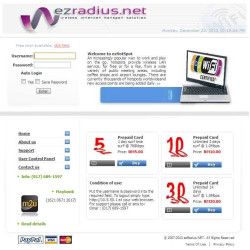
Design 002
A "MikroTik hotspot login page" is the web page that appears when a device connects to a wireless ne..

Design 003
A "MikroTik hotspot login page" is the web page that appears when a device connects to a wireless ne..
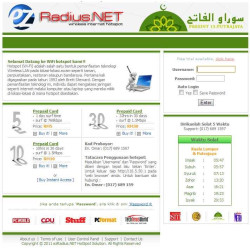
Design 004
A "MikroTik hotspot login page" is the web page that appears when a device connects to a wireless ne..

Design 005
A "MikroTik hotspot login page" is the web page that appears when a device connects to a wireless ne..
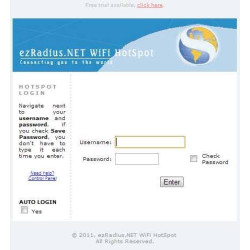
Design 006
A "MikroTik hotspot login page" is the web page that appears when a device connects to a wireless ne..